
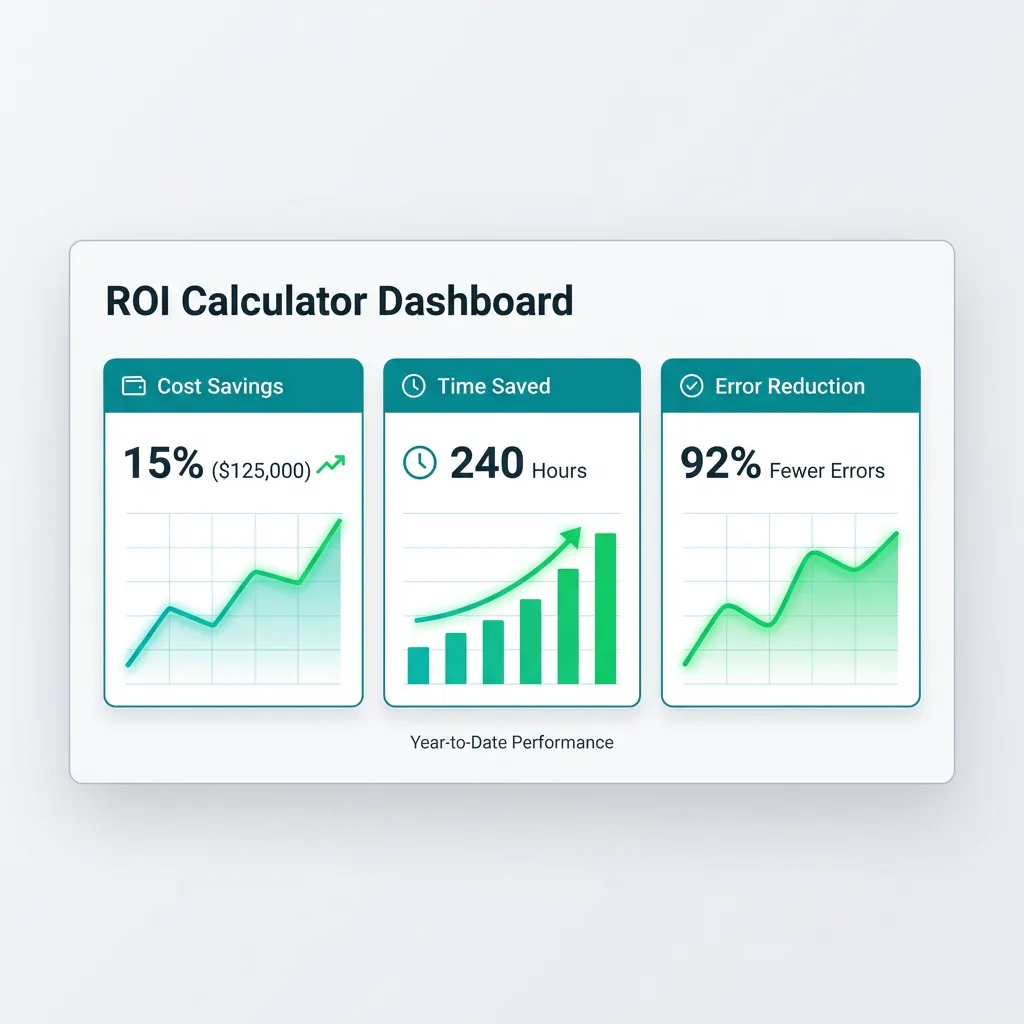
Procurement Automation ROI Guide
Learn how to calculate procurement automation ROI. Build a business case with metrics for time savings and error reduction.
Rhea Kapoor
Head of Procurement Research, SpecLens
- 850+companies trust SpecLens
- 99%extraction accuracy
- 8 hrssaved per comparison
- AES-256encrypted · GDPR compliant
Procurement automation promises efficiency gains, error reduction, and better decisions. But does the investment pay off? Building a credible business case requires quantifying real benefits against real costs. (Run your own numbers in our free Procurement ROI Calculator; see the cost-of-status-quo case in true cost of manual procurement.)
This comprehensive guide shows you how to calculate procurement automation ROI—with methodologies, metrics, and templates for building compelling business cases. The data foundation prerequisite is detailed in procurement AI data readiness; for the wider AI context, see AI in procurement: complete 2026 guide.
Why ROI Calculation Matters
| Objection | ROI Answer |
|---|---|
| "Too expensive" | Show payback period and long-term returns |
| "We don't have time" | Calculate time saved that repays implementation |
| "Not a priority" | Quantify opportunity cost of delay |
| "Can't measure benefits" | Use framework to make intangible tangible |
The Basic ROI Formula
ROI = (Net Benefit / Total Investment) × 100%

Where:
- Net Benefit = Total Benefits - Ongoing Costs
- Total Investment = Implementation + First Year Costs

Example:
- Total benefits over 3 years: $300,000
- Total investment: $75,000
- ROI = ($300,000 / $75,000) × 100% = 400%
Alternative Metrics
| Metric | Formula | Use Case |
|---|---|---|
| Payback Period | Investment / Annual Benefit | How fast returns begin |
| NPV | Sum of discounted future benefits - investment | Time value of money |
| TCO Reduction | Old TCO - New TCO | Total cost comparison |
Benefit Categories
Time Savings
| Activity | Manual Time | Automated Time | Savings |
|---|---|---|---|
| Spec extraction (per vendor) | 2-4 hours | 5-10 minutes | 85-95% |
| Comparison matrix creation | 1-2 hours | Seconds | 99% |
| Gap identification | 1-2 hours | Automatic | 100% |
| Normalization (units, terms) | 30-60 min | Automatic | 100% |
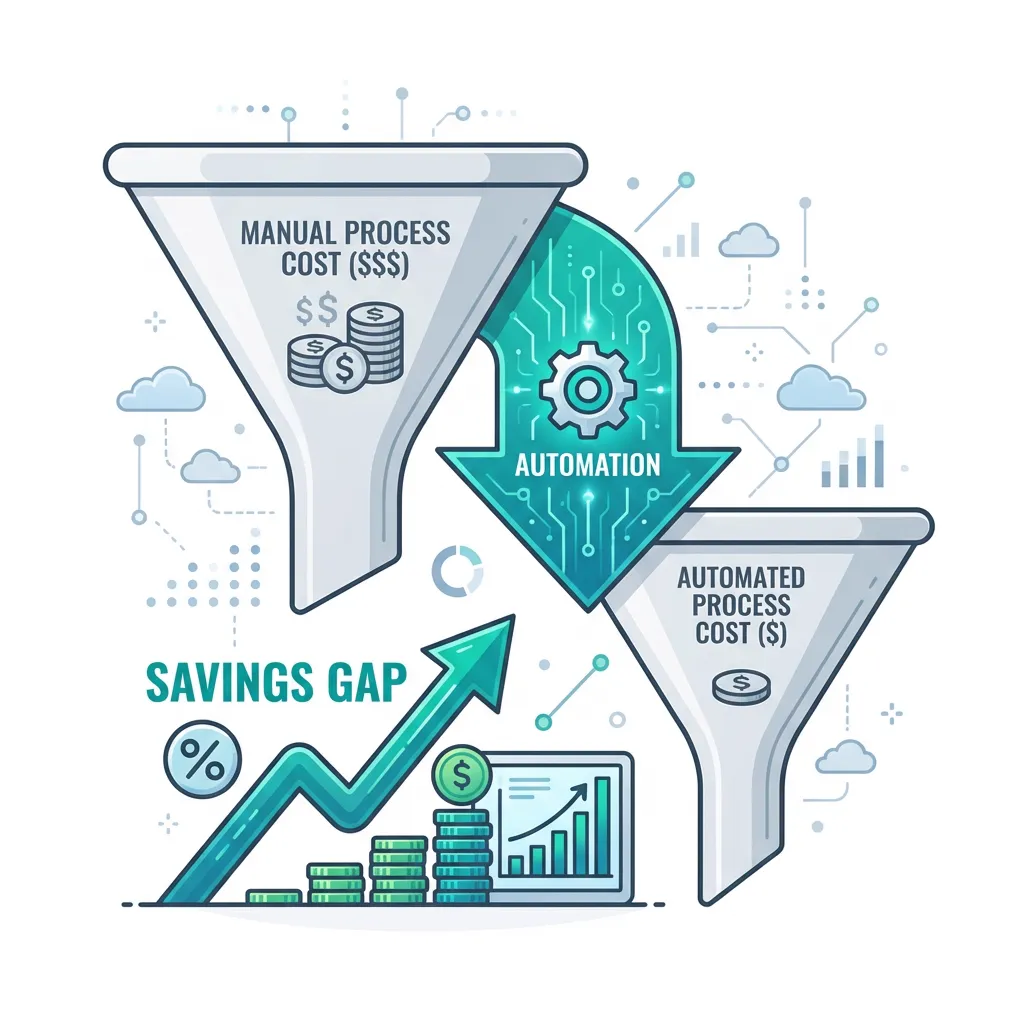
Process Time Reductions
| Process | Manual | With Automation | Reduction |
|---|---|---|---|
| Vendor evaluation | 20-40 hours | 5-10 hours | 50-75% |
| RFP development | 40-80 hours | 15-30 hours | 50-65% |
| Contract comparison | 4-8 hours | 1-2 hours | 60-80% |
| Compliance checking | 8-16 hours | 2-4 hours | 70-80% |
Formula: Annual time savings value = Hours saved per year × Fully loaded hourly rate (1.3-1.5× salary)
Error Reduction
| Error Type | Typical Frequency | Cost Per Error |
|---|---|---|
| Data entry errors | 1-3% of entries | Varies |
| Missed specifications | 2-5 specs per evaluation | $500-$50,000+ |
| Calculation errors | 1-5% of calculations | $100-$10,000+ |
| Non-compliant selections | 1-3% of selections | $5,000-$500,000+ |
Cost Categories
Implementation Costs
| Cost Element | Typical Range |
|---|---|
| Software/licenses | $5,000-$100,000+ |
| Implementation services | $5,000-$50,000+ |
| Training | $2,000-$20,000 |
| Integration | $5,000-$50,000+ |
Ongoing Costs
| Cost Element | Typical Range |
|---|---|
| Software subscription | $3,000-$50,000/year |
| Maintenance | 15-20% of license/year |
| Training (ongoing) | $1,000-$5,000/year |
ROI Calculation Example
Current State Analysis
| Activity | Annual Hours |
|---|---|
| RFP development | 480 |
| Vendor research | 240 |
| Proposal analysis | 720 |
| Comparison creation | 360 |
| Evaluation meetings | 240 |
| Total | 2,220 hours |
At $75/hour fully loaded = $166,500 annual cost
With Automation
| Activity | Current | Automated | Reduction |
|---|---|---|---|
| RFP development | 480 | 240 | 50% |
| Proposal analysis | 720 | 180 | 75% |
| Comparison creation | 360 | 36 | 90% |
| Total | 2,220 | 846 | 62% |
Time savings: 1,374 hours × $75 = $103,050/year
Total Benefits
| Benefit Category | Annual Value |
|---|---|
| Time savings | $103,050 |
| Error reduction | $15,000 |
| Decision improvement (1% on $5M spend) | $50,000 |
| Compliance risk reduction | $10,000 |
| Total Annual Benefit | $178,050 |
Investment vs. Returns
| Year | Benefits | Costs | Net |
|---|---|---|---|
| Year 1 | $178,050 | $47,000 | $131,050 |
| Year 2 | $178,050 | $27,000 | $151,050 |
| Year 3 | $178,050 | $27,000 | $151,050 |
| Total | $534,150 | $101,000 | $433,150 |
📊 ROI Summary
- 3-Year ROI: 429%
- Payback Period: 3.2 months
- Annual Benefit: $178,050
Soft ROI: The Human Factor
- Employee Retention: Automating drudgery improves job satisfaction. Cost of replacing a buyer: 20-30% of salary
- Strategic Focus: Buyers focus on negotiation and relationships instead of data entry
- Audit Trails: Automation enforces process—audit costs drop 50%
Common ROI Mistakes
Overstating Benefits
| Mistake | Reality |
|---|---|
| Assume 100% time savings | Some tasks remain; 50-80% typical |
| Count all staff time | Only affected activities |
| Ignore learning curve | First months show less benefit |
Understating Costs
| Mistake | Reality |
|---|---|
| Ignore internal effort | Implementation takes staff time |
| Skip training costs | Training is real investment |
| Miss ongoing costs | Subscription, support, admin |
Calculate Your Savings
Procurement automation delivers measurable returns when properly implemented. Build your business case with realistic assumptions and multiple value streams — and remember to factor in the cycle-time reduction and hidden cost avoidance components.
Free Procurement ROI Calculator → | True Cost of Manual Procurement → | See How SpecLens Works →
Frequently Asked Questions
Related Articles
The True Cost of Manual Procurement
Manual processes are bleeding your budget. We analyze the hidden costs of human error, slow processing, and employee burnout.
5 Procurement Best Practices for 2026
Stay ahead of the curve with these essential procurement best practices. From digital transformation to sustainability, learn how to modernize your sourcing.
Procurement Burnout: Hidden Costs
Manual specification review is burning out your procurement team. Discover the numbers behind the silent epidemic and how AI can help reclaim your team's time.
Reduce Procurement Cycle Time
Learn proven strategies to reduce procurement cycle time without sacrificing quality. Identify bottlenecks and accelerate selection.