

IT Vendor Selection: 10 Time-Saving Tips
Streamline your IT vendor selection process with these 10 proven tips. Save hours of work while making better procurement decisions for your organization.
David Chen
Senior Procurement Analyst, SpecLens
- 850+companies trust SpecLens
- 99%extraction accuracy
- 8 hrssaved per comparison
- AES-256encrypted · GDPR compliant
Introduction: The High Stakes of IT Vendor Selection
Selecting the right IT vendor is one of the most critical decisions your organization will make. A poor choice can lead to compatibility issues, security vulnerabilities, excessive costs, and operational disruptions. Conversely, the right vendor partnership drives innovation, reliability, and competitive advantage.
IT procurement teams face unique challenges: rapidly evolving technology, complex compatibility requirements, security concerns, and the need to balance cutting-edge capabilities with budget constraints. (For sector context, see IT & data center procurement and our IT Hardware Procurement Guide.) This guide provides 10 actionable tips to streamline your vendor selection process and make better decisions faster.
Tip 1: Define Requirements Before Contacting Vendors
Why It Matters
Approaching vendors without clear requirements leads to:
- Proposals that don't match your needs
- Time wasted evaluating irrelevant options
- Difficulty comparing vendors objectively
- Scope creep and budget overruns
Time-Saving Action
Create a detailed requirements document including:
- Technical specifications: Performance, capacity, compatibility
- Must-have features: Non-negotiable capabilities
- Nice-to-have features: Desirable but not essential
- Budget constraints: Maximum spend and TCO limits
- Timeline requirements: Delivery and implementation dates
- Security requirements: Compliance standards (SOC 2, ISO 27001, HIPAA, etc.)
Time saved: 5-8 hours of back-and-forth clarifications per vendor

Tip 2: Use RFP Templates for Standardized Responses
Why It Matters
Without standard RFPs, vendors submit proposals in different formats, making comparison nearly impossible. You'll waste hours trying to find equivalent information across documents. Start from our free RFP template and follow our how to write an RFP guide to get good responses on the first round.
Time-Saving Action
Develop an RFP template that all vendors must complete:
- Standardized specification tables
- Required response format (PDF, Excel, etc.)
- Specific questions vendors must answer
- Pricing breakdown structure
- Reference and case study requirements
Include a clause requiring vendors to follow the template exactly. Non-compliant responses can be rejected without review.
Time saved: 10-15 hours of reformatting and data extraction
Tip 3: Leverage AI for Specification Extraction
Why It Matters
Manually reading vendor proposals and transferring specifications to comparison spreadsheets is tedious, error-prone, and time-consuming. Even with standardized RFPs, extracting and organizing data takes hours.
Time-Saving Action
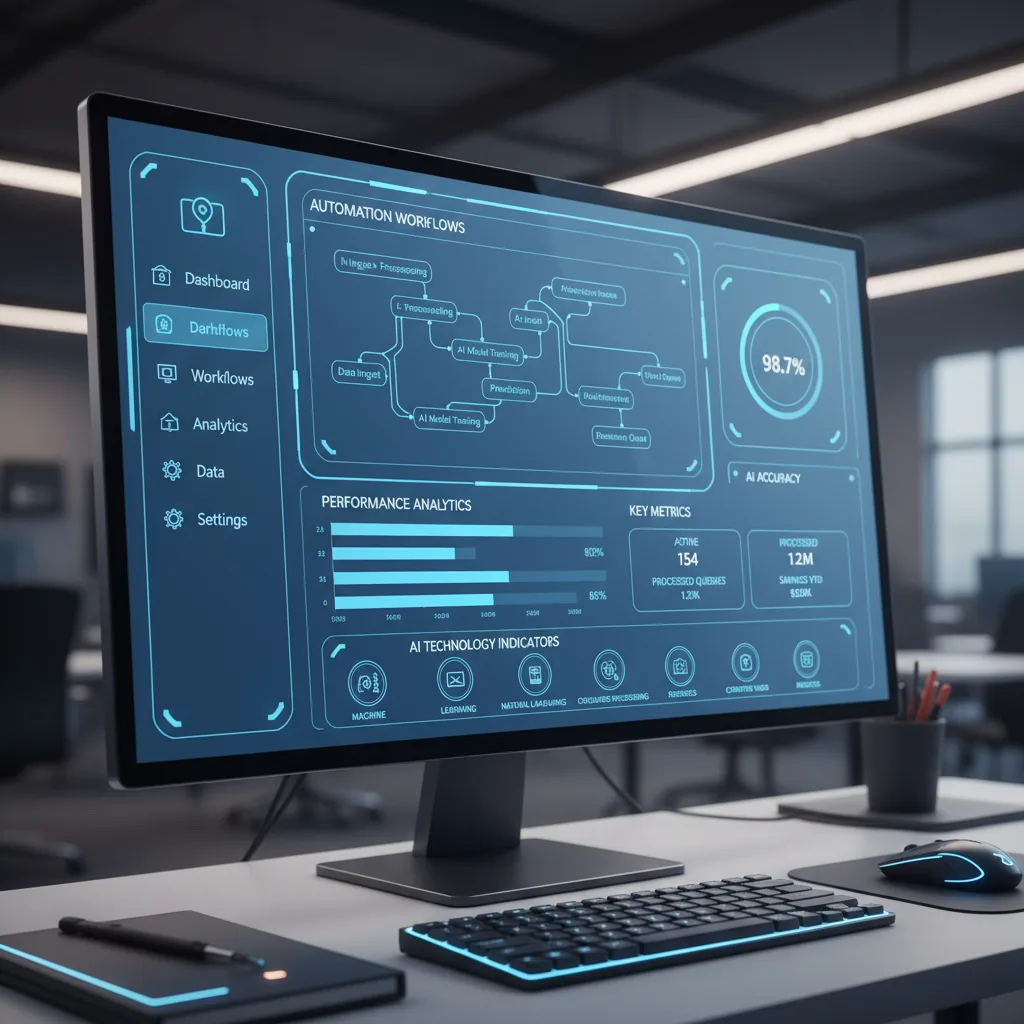
Use AI-powered specification extraction tools like SpecLens to:
- Automatically read PDFs, Word docs, and Excel files
- Extract specifications with 98%+ accuracy
- Generate comparison matrices instantly
- Identify missing or inconsistent data
- Normalize units and terminology
Time saved: 12-20 hours per procurement cycle
Real Example: An IT department evaluating 8 server vendors reduced specification comparison time from 16 hours to 20 minutes using AI tools—a 98% time savings.
Tip 4: Create a Weighted Scoring Matrix
Why It Matters
Without objective scoring, vendor selection becomes subjective and politicized. Different stakeholders champion different vendors based on personal preference rather than data.
Time-Saving Action
Build a weighted scoring matrix (similar to a vendor scorecard):
- List evaluation criteria: Technical specs, price, support, vendor reputation, etc.
- Assign weights: Allocate percentage importance to each criterion (totaling 100%)
- Score each vendor: Rate 1-10 for each criterion
- Calculate total: (Score × Weight) summed across all criteria
Example Matrix:
| Criterion | Weight | Vendor A Score | Vendor B Score |
|---|---|---|---|
| Technical Specs | 30% | 8/10 | 9/10 |
| Price | 25% | 9/10 | 7/10 |
| Support & SLA | 20% | 7/10 | 8/10 |
| Vendor Reputation | 15% | 8/10 | 9/10 |
| Compatibility | 10% | 9/10 | 8/10 |
| Total Score | 8.2/10 | 8.3/10 |
Time saved: 3-5 hours of debate and decision-making meetings
Tip 5: Verify References and Case Studies
Why It Matters
Vendors can make impressive claims in proposals, but references reveal real-world performance. Skipping reference checks risks selecting a vendor with poor track records.
Time-Saving Action
Streamline reference verification:
- Request 3-5 references from similar industries and use cases
- Prepare a standard question list to ask all references
- Focus on 5 key questions (15-minute calls instead of hour-long conversations)
- Use online review platforms (G2, Gartner, TrustRadius) for additional validation
Essential Reference Questions:
- Did the vendor deliver on time and within budget?
- How responsive is their support team?
- Have you experienced any major issues? How were they resolved?
- Would you purchase from them again?
- What's one thing you wish you'd known before selecting this vendor?
Time saved: 2-4 hours per vendor by using structured, concise reference calls

Tip 6: Calculate Total Cost of Ownership (TCO), Not Just Purchase Price
Why It Matters
The cheapest upfront option is often the most expensive long-term. Hidden costs—licensing, support, maintenance, upgrades, training—can double or triple the initial price.
Time-Saving Action
Create a TCO calculator template including:
- Purchase price: Hardware, software licenses
- Implementation costs: Installation, configuration, data migration
- Training costs: Staff training and onboarding time
- Ongoing costs: Annual support, maintenance fees, consumables
- Operating costs: Power consumption, cooling, space
- Upgrade costs: Expected hardware/software refresh cycles
- End-of-life costs: Disposal, recycling, data sanitization
Calculate TCO over 3-5 years (typical IT equipment lifespan) for accurate comparison. For a detailed methodology, see our complete TCO guide.
Time saved: Avoid costly mistakes; one poor vendor choice can waste months of budget and staff time
Tip 7: Prioritize Compatibility and Integration
Why It Matters
Incompatible IT equipment creates:
- Integration headaches and delays
- Additional middleware and adapter costs
- Performance bottlenecks
- Security vulnerabilities
- Increased support complexity
Time-Saving Action
Before evaluating vendors:
- Document your existing infrastructure: Operating systems, software, protocols, APIs
- Define integration requirements: What systems must the new equipment connect to?
- Require compatibility statements: Ask vendors to explicitly confirm compatibility
- Request proof of concept (POC): Test critical integrations before committing
Red flags to watch for:
- Vague compatibility claims ("Works with most systems")
- Requires extensive custom development
- Vendor hesitant to provide POC
- No documented APIs or integration guides
Time saved: Avoid 20-40 hours of post-purchase integration troubleshooting
Tip 8: Evaluate Vendor Financial Stability
Why It Matters
Partnering with a financially unstable vendor risks:
- Vendor going out of business mid-contract
- Discontinued products and support
- Inability to honor warranties
- Acquisition by competitors changing terms
Time-Saving Action
Quickly assess vendor stability:
- Check public records: For public companies, review quarterly earnings and financial statements
- Research recent news: Look for layoffs, funding issues, leadership changes
- Verify insurance: Ensure vendor has adequate liability insurance
- Review contract terms: What happens if vendor goes bankrupt? Are there escrow provisions for source code?
Red flags:
- Consistent year-over-year revenue decline
- Recent mass layoffs or C-level departures
- Multiple rounds of financing with diminishing valuations
- Negative news coverage about viability
Time saved: 10 minutes of research prevents years of support headaches
Tip 9: Negotiate SLAs and Performance Guarantees
Why It Matters
Without clear SLAs, vendors have no accountability for performance or support response times. When issues arise, you'll have no recourse.
Time-Saving Action
Require explicit SLAs covering:
- Uptime guarantees: 99.9% minimum for critical systems
- Support response times: Critical issues within 1 hour, standard within 24 hours
- Resolution times: Target timeframes for issue resolution by severity
- Penalties for non-compliance: Service credits or refunds if SLAs are missed
- Warranty terms: What's covered, for how long, and replacement procedures
Negotiation tips:
- Request tiered support (basic, priority, enterprise) with clear pricing
- Ask for dedicated account managers for large deployments
- Negotiate escalation paths for unresolved issues
- Include SLA terms directly in contracts, not separate documents
Time saved: Prevent weeks of downtime and frustration when issues occur

Tip 10: Run Parallel Pilot Programs for Top Candidates
Why It Matters
Specifications on paper don't always match real-world performance. A pilot program reveals how equipment actually performs in your environment.
Time-Saving Action
For high-value procurements (>$100K):
- Narrow to 2-3 finalists using the weighted scoring matrix
- Request 30-day pilot programs (most vendors will provide equipment temporarily)
- Define success criteria: Performance benchmarks, compatibility tests, user feedback
- Run pilots simultaneously for fair comparison
- Involve end users: Gather feedback from people who'll use the equipment daily
What to test during pilots:
- Performance under realistic workloads
- Integration with existing systems
- Ease of use and learning curve
- Support responsiveness (intentionally submit test tickets)
- Hidden costs or limitations not mentioned in proposals
Time saved: Avoid months of post-purchase regret and costly replacements
Bonus Tips for Maximum Efficiency
Create a Vendor Database
Maintain a database of past vendors with:
- Performance scores
- Pricing history
- Support experiences
- Would we use them again? (Yes/No)
Reference this database for future procurements to quickly shortlist reliable vendors.
Build Vendor Relationships
Don't only contact vendors when you need something. Build ongoing relationships:
- Attend vendor webinars and events
- Subscribe to their product update newsletters
- Schedule annual check-ins with account managers
Strong relationships lead to better pricing, priority support, and early access to new products.

Leverage Group Purchasing
Join industry purchasing consortiums to:
- Access pre-negotiated pricing
- Share vendor evaluations with peer organizations
- Pool purchasing power for volume discounts
Automate Vendor Communication
Use procurement software to:
- Send RFPs to multiple vendors simultaneously
- Track proposal submissions and deadlines
- Automate follow-up reminders
- Centralize all vendor communications
Measuring Your Time Savings
Track these metrics to quantify efficiency improvements:
| Metric | Before Optimization | After Optimization | Time Saved |
|---|---|---|---|
| Specification extraction | 16 hours | 30 minutes | 15.5 hours |
| Vendor comparison | 8 hours | 2 hours | 6 hours |
| Reference checks | 6 hours | 3 hours | 3 hours |
| Decision meetings | 5 hours | 2 hours | 3 hours |
| Total per cycle | 35 hours | 7.5 hours | 27.5 hours (79% reduction) |
Common Mistakes to Avoid
Mistake 1: Focusing Only on Price
Choosing the cheapest vendor often costs more long-term due to poor quality, limited support, or hidden fees.
Mistake 2: Not Involving End Users
IT procurement teams sometimes select equipment without input from people who'll use it daily. This leads to poor adoption and productivity losses.
Mistake 3: Ignoring Scalability
Today's requirements may differ from next year's. Ensure vendors can scale with your growth.
Mistake 4: Accepting Vendor-Provided Comparisons
Vendors' competitive comparison charts are always biased. Conduct your own objective analysis.
Mistake 5: Rushing the Process
While efficiency is important, rushing vendor selection leads to poor decisions. Balance speed with thoroughness.
Conclusion: Work Smarter, Not Harder
🎁 Free Procurement Tools to Speed Up Vendor Selection
IT vendor selection doesn't have to be a months-long ordeal. By implementing these 10 time-saving tips—especially leveraging AI for specification extraction and creating standardized evaluation processes—you can reduce procurement time by 70-80% while making better decisions.
The key is to invest time upfront in creating reusable processes, templates, and tools. Once established, these systems dramatically accelerate every subsequent procurement cycle.
Start with the tips that will have the biggest impact on your specific process. For most teams, that's:
- AI-powered specification extraction (Tip #3)
- Standardized RFP templates (Tip #2)
- Weighted scoring matrices (Tip #4)
Implement these three changes, and you'll see immediate time savings in your next procurement cycle — and quantify the savings up front with our free Procurement ROI Calculator.
Ready to save time on your next IT procurement? See how SpecLens extracts specs in 3 steps and follow our specification comparison guide for the systematic side-by-side workflow. Reduce extraction time by 95% and make confident vendor decisions faster.
Frequently Asked Questions
Related Articles
Vendor Selection Checklist: Key Criteria
Download our comprehensive vendor selection checklist. Evaluate suppliers on financial stability, technical capability, security, and culture.
Dell vs HPE vs Cisco Server Comparison (2026 Procurement Guide)
Procurement-grade comparison of Dell PowerEdge R770, HPE ProLiant DL380 Gen12, and Cisco UCS C240 M8. Normalized specs, security features, consumption models, and 5-year TCO methodology.
Compare Enterprise SAN Specs: Dell PowerStore vs NetApp AFF vs Pure (2026)
Procurement-grade comparison of Dell PowerStore Gen 2, NetApp AFF A20-A1K, and Pure FlashArray (now Everpure after the Feb 2026 rebrand). Normalized specs, IOPS gotchas, effective capacity assumptions, and 2026 Gartner MQ leadership.
What Makes an RFP Complex? A Scoring Framework (2026)
Learn the 5-dimension RFP complexity scoring framework used by procurement teams to estimate review time, allocate resources, and decide when AI assistance is justified.